
More faithful reference images
Transform a reference into new settings, styles, and compositions while better preserving recognizable subjects, natural lighting, textures, and distinctive details.
Initializing dashboard...
Create sharper, more natural images and make precise edits with GPT Image 2.5. Preserve reference subjects, iterate confidently, and turn detailed creative directions into polished visuals.
Official OpenAI example: a focused portrait edit that retains the original subject, pose, and studio setting.
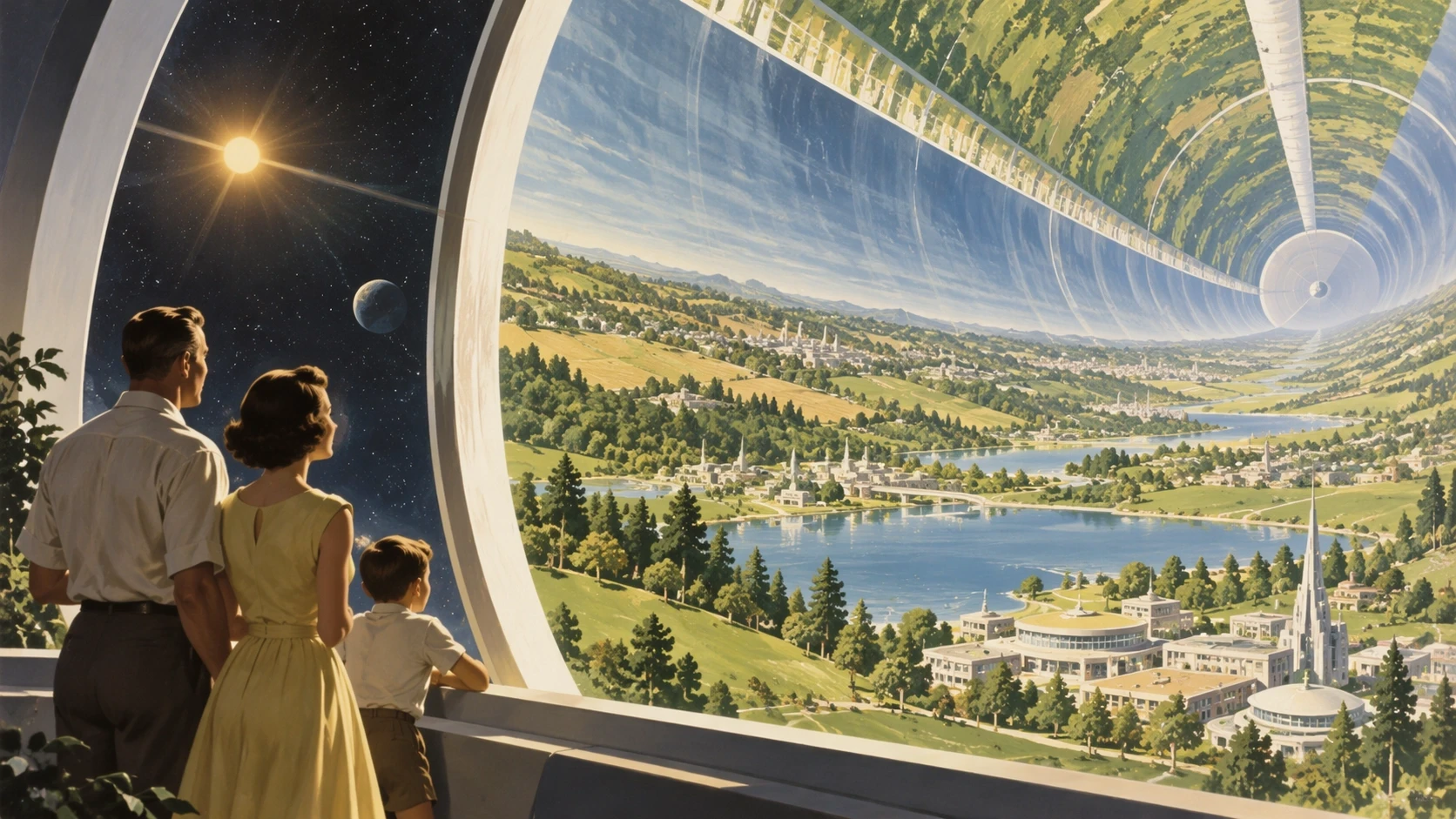
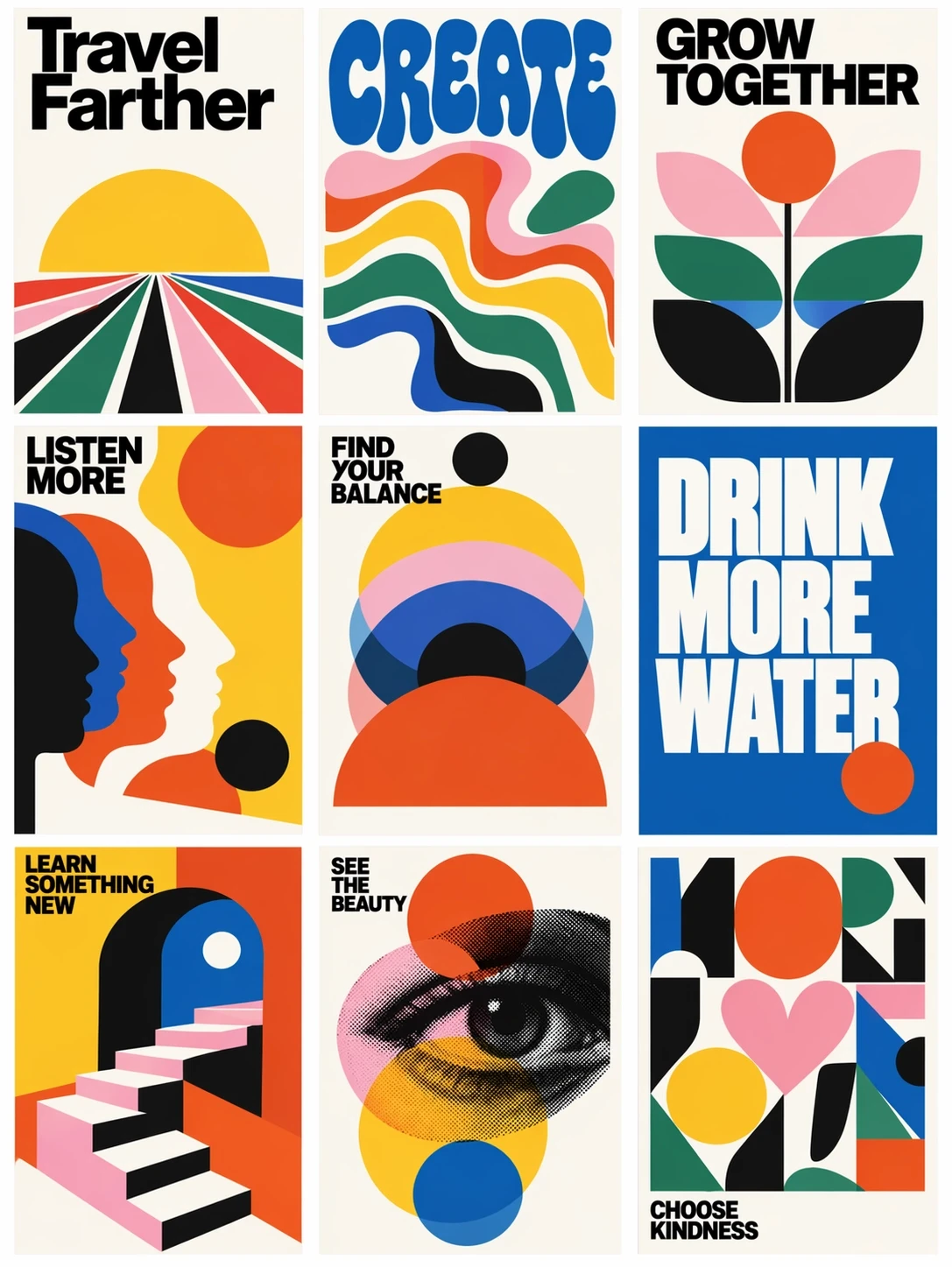
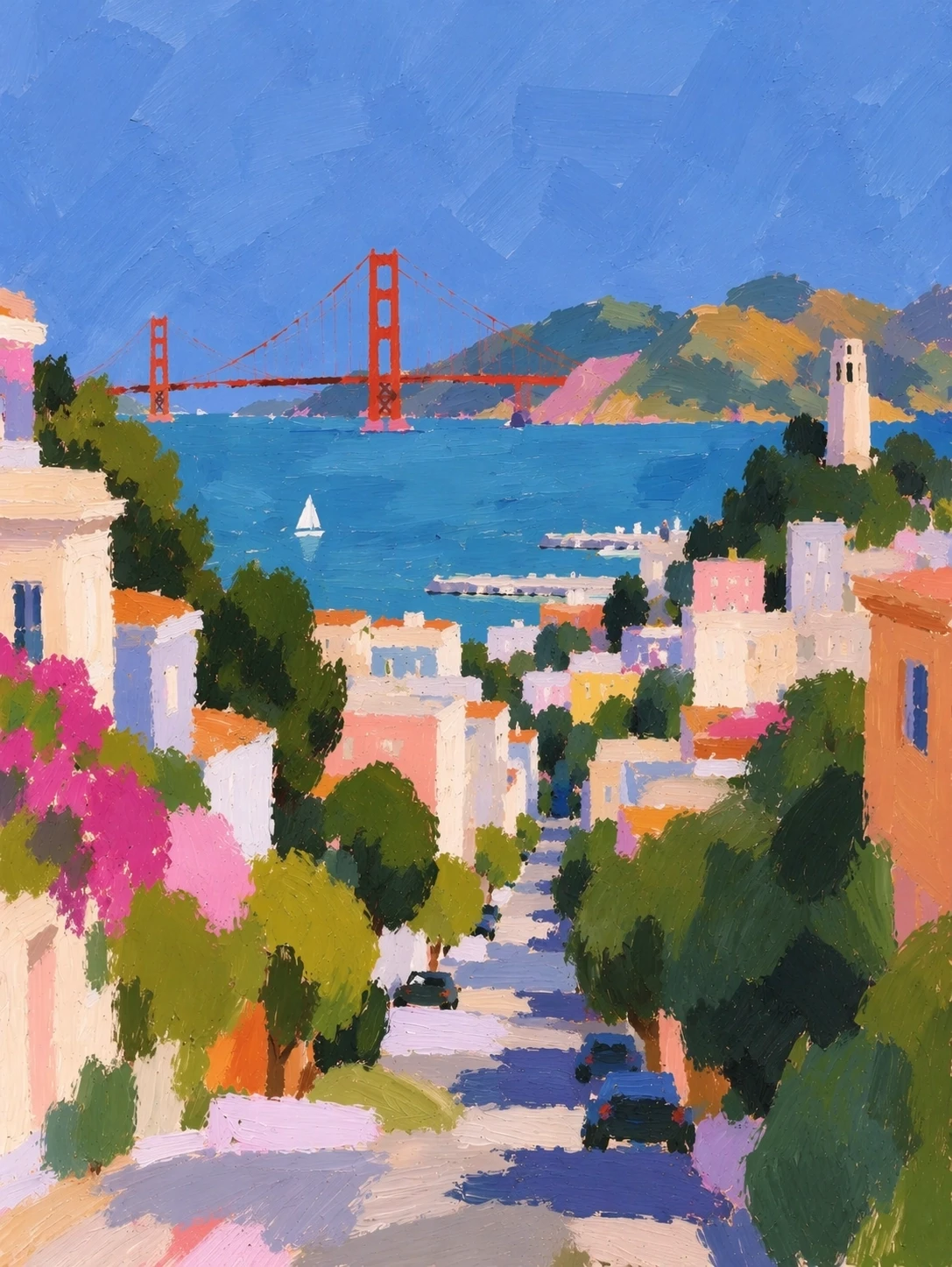
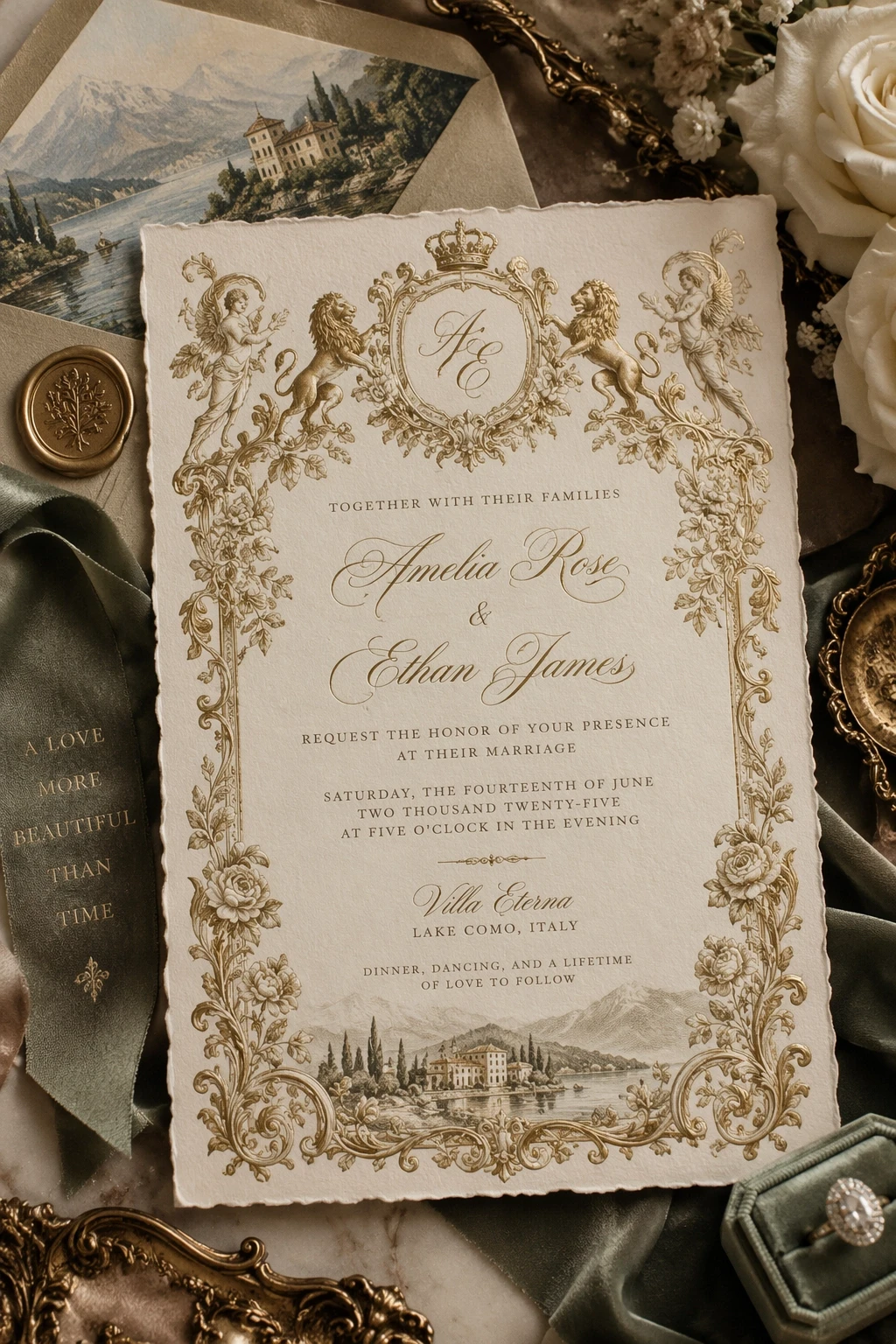
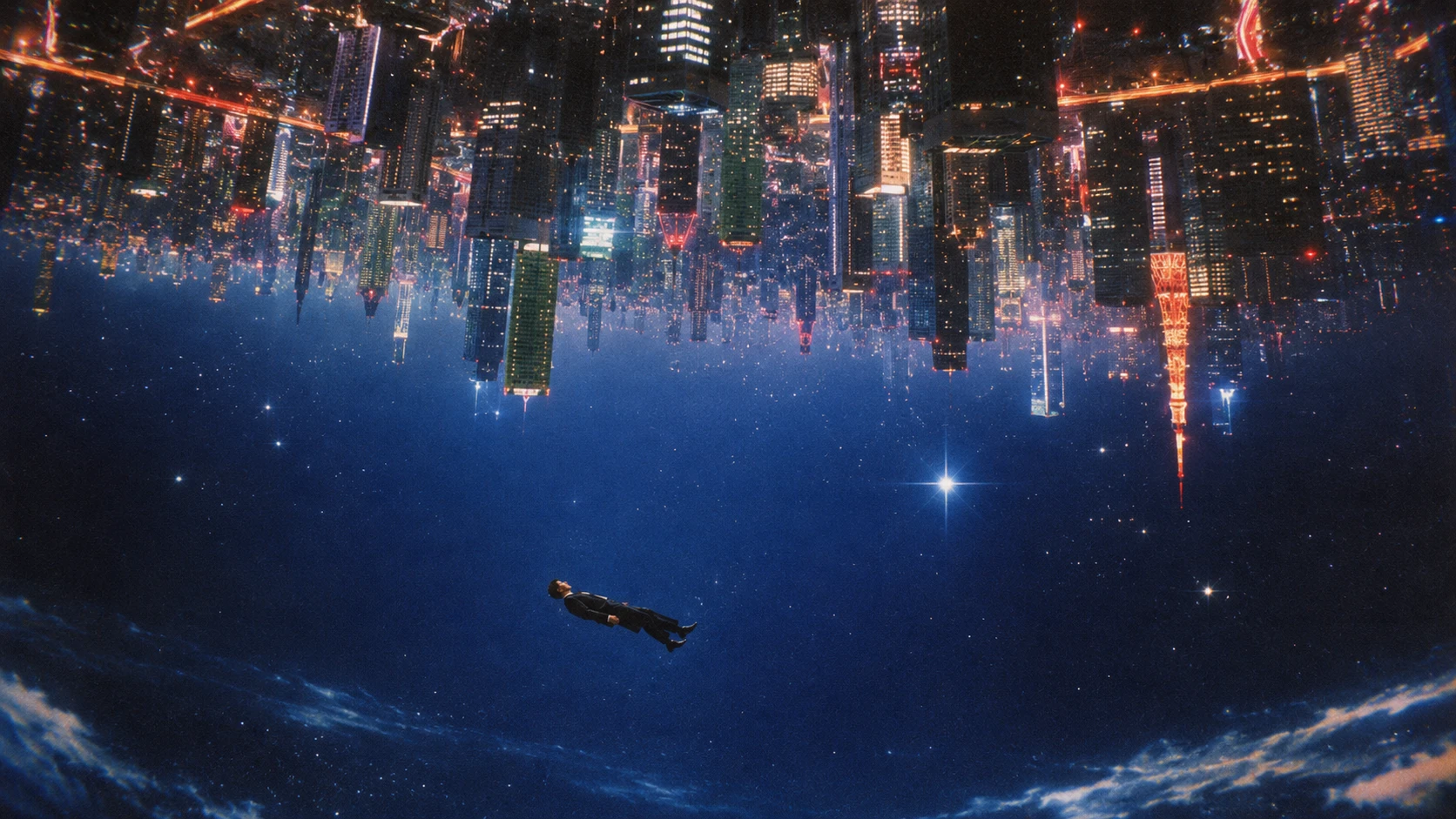
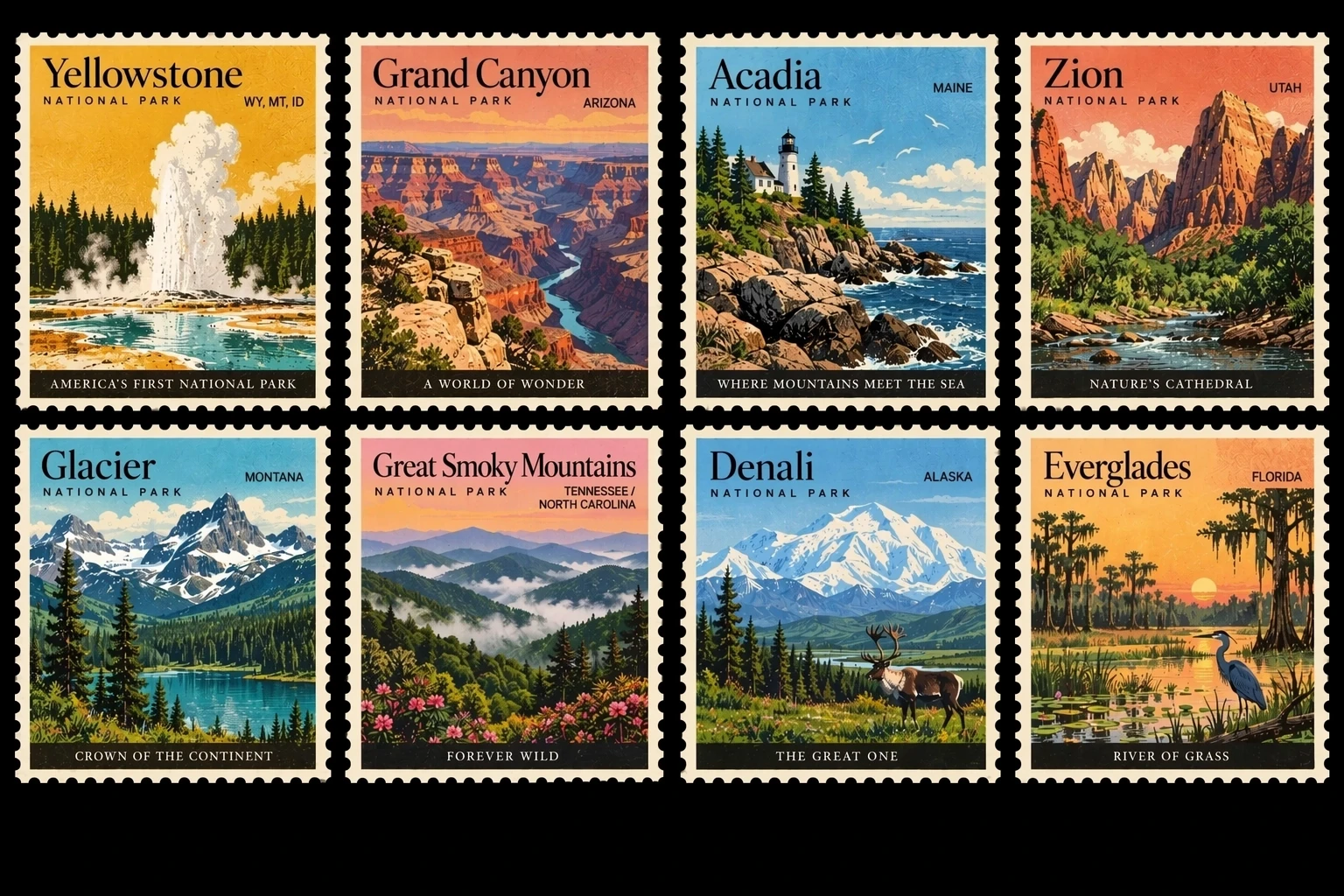
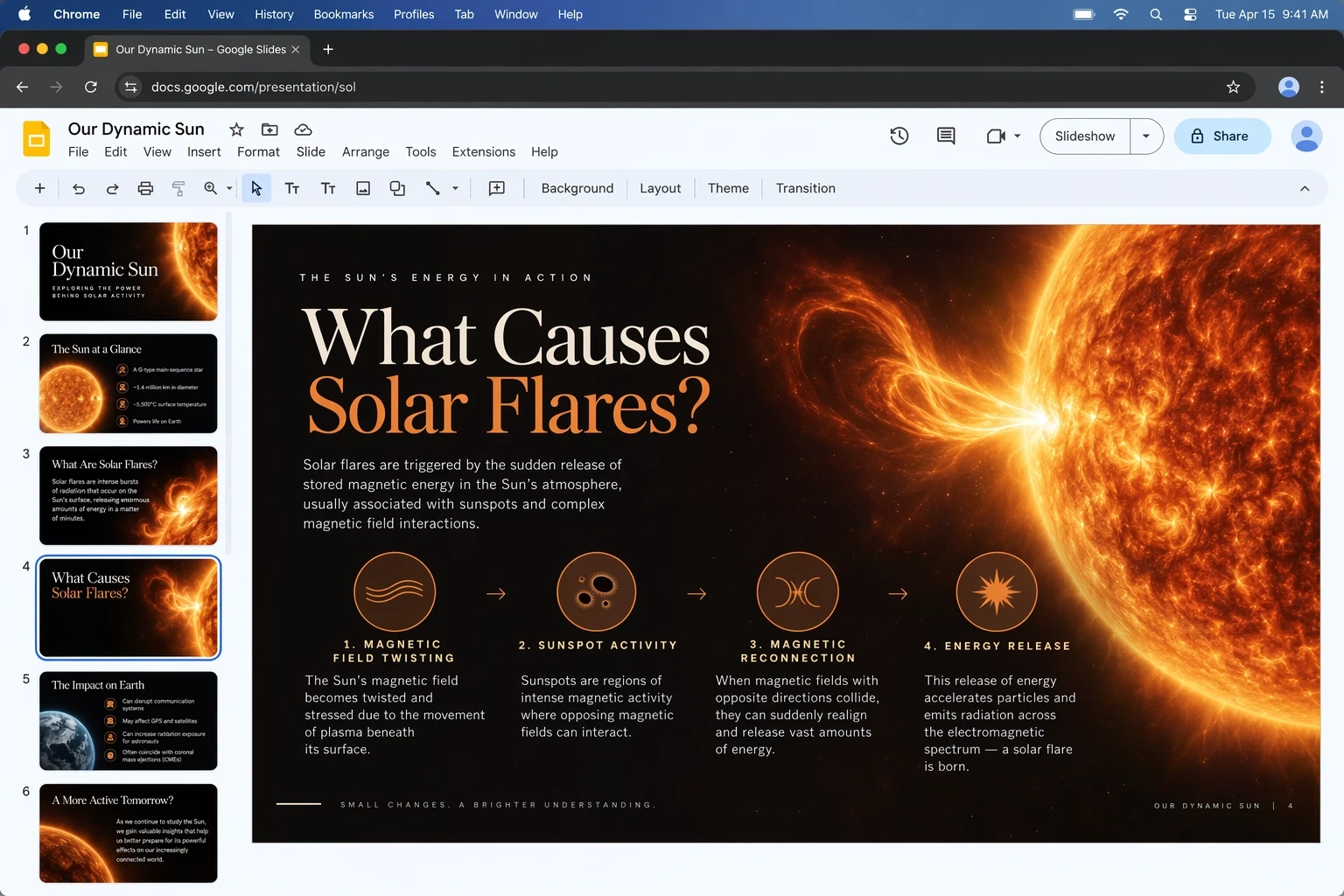
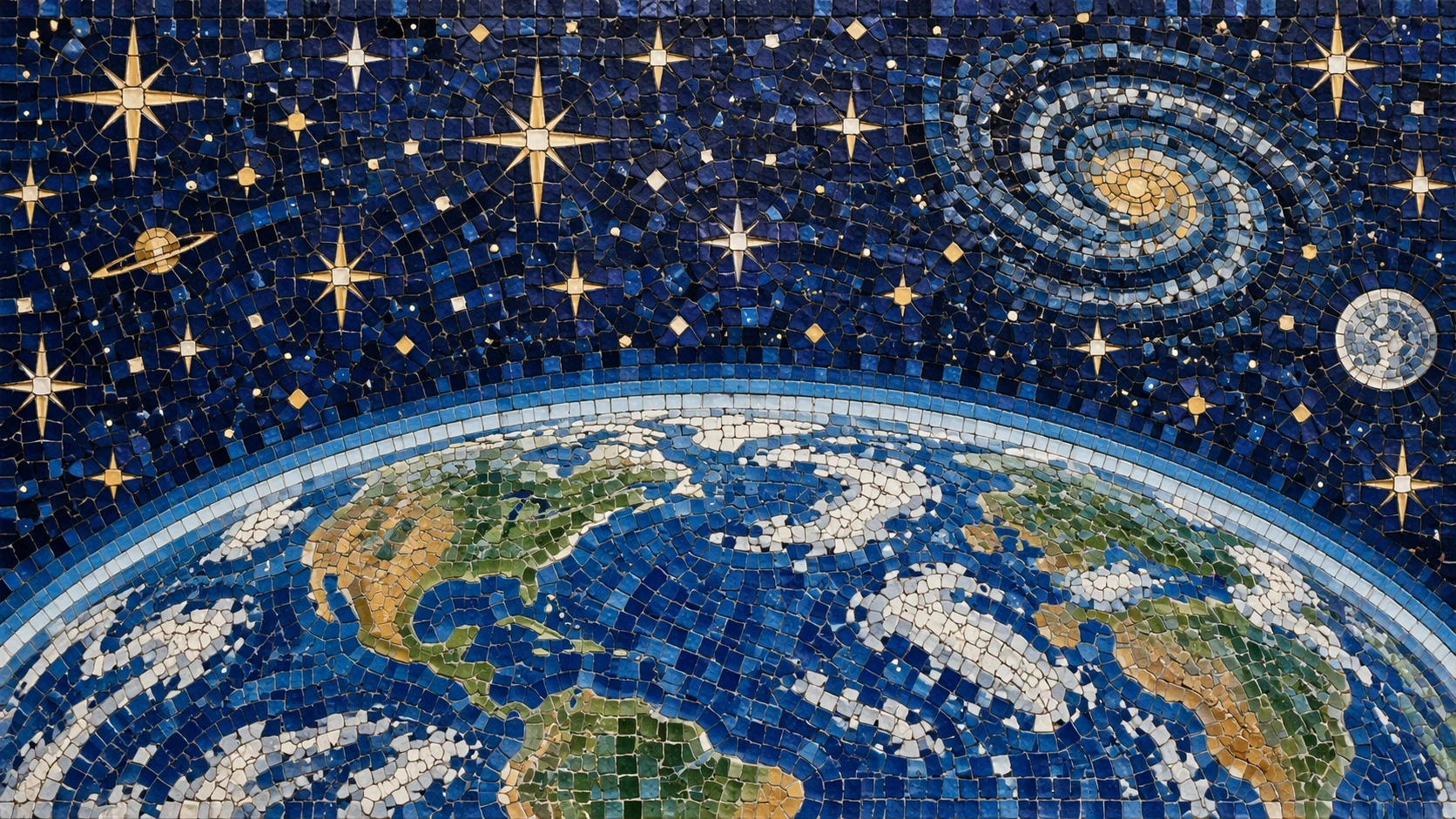
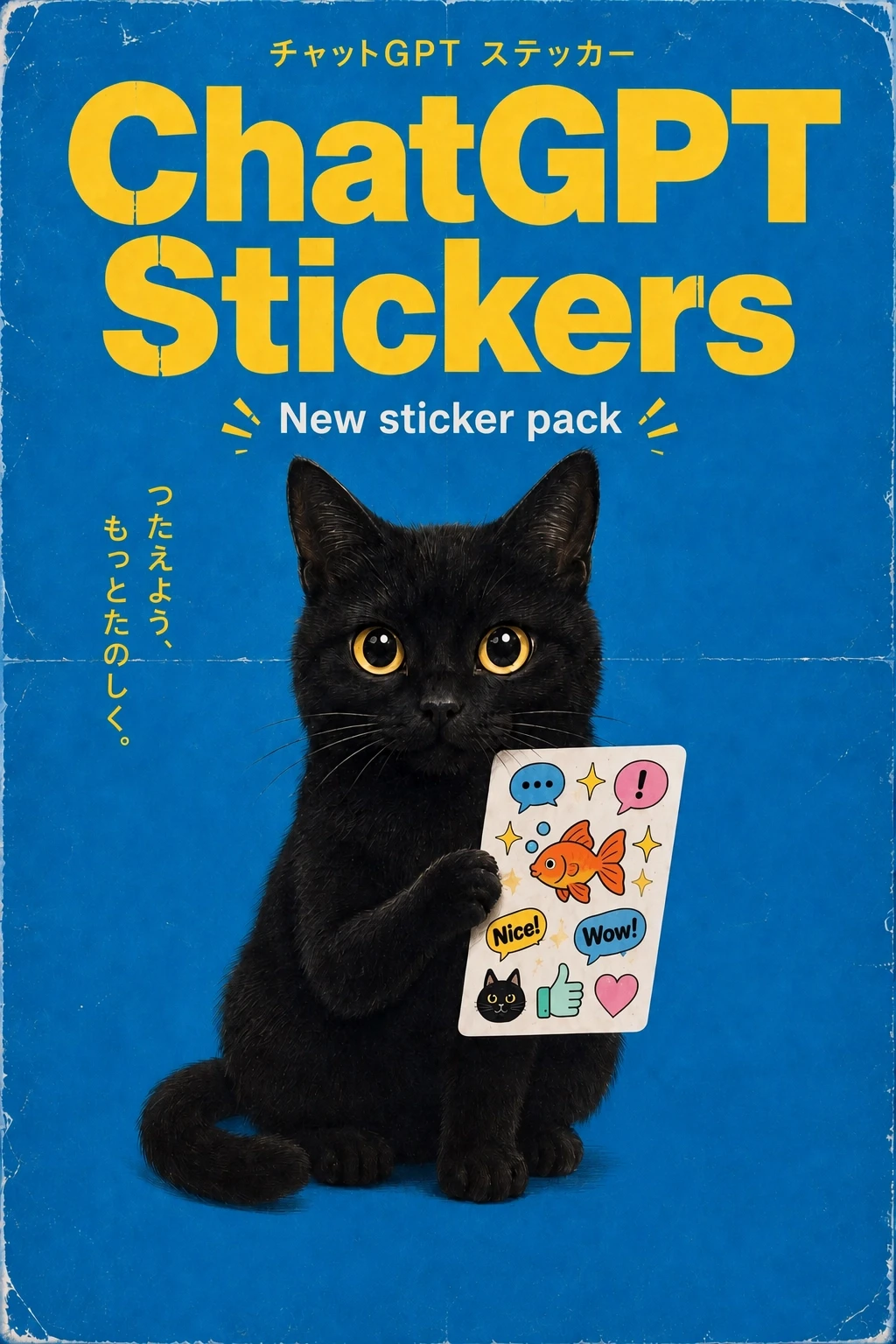
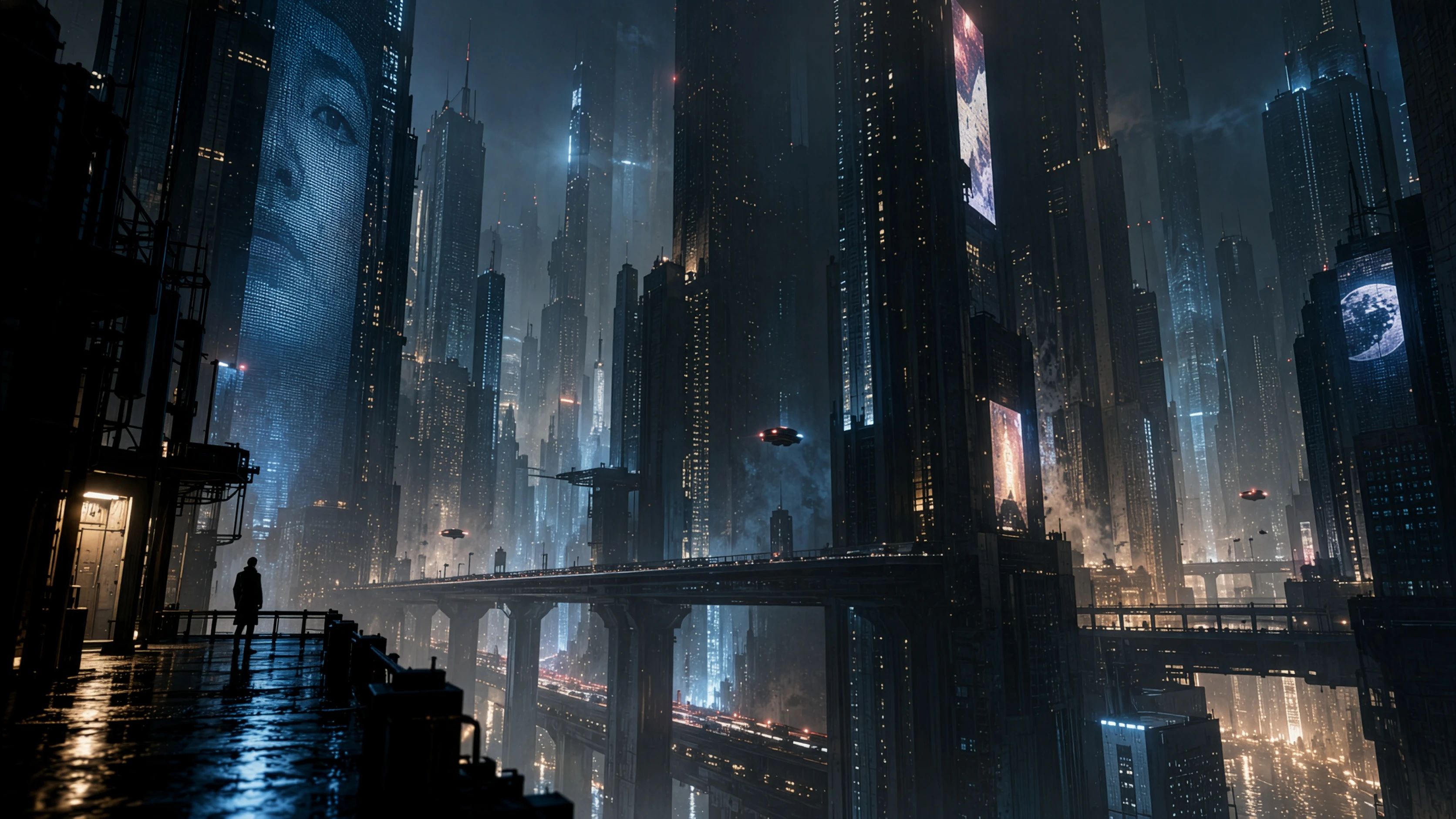
Capabilities highlighted for ChatGPT Images 2.5 by OpenAI.
Transform a reference into new settings, styles, and compositions while better preserving recognizable subjects, natural lighting, textures, and distinctive details.
Change the element you asked for while retaining the surrounding subject, composition, and visual treatment—even in detailed scenes.
Handle more complex visual instructions, layouts, transparent backgrounds, and requested styles with results that stay closer to the intended direction.
Key details about creating and editing images with GPT Image 2.5.
GPT Image 2.5 is an image-generation and editing model focused on sharper details, more precise editing, faster generation, and improved creative control.
Yes. Upload a reference image, then describe the change you want. GPT Image 2.5 is designed to make focused edits while preserving the surrounding subject, composition, and visual treatment.
It is improved at carrying recognizable subjects, natural lighting, richer textures, and distinctive features from a reference into new settings, styles, and compositions.
Yes. GPT Image 2.5 is designed to follow editing instructions more reliably over multiple turns, helping earlier changes stay consistent as you refine the image.
Use GPT Image 2.5 for creative concepts, product imagery, brand assets, social content, visual search, layouts, and other detailed image-generation or editing workflows.