
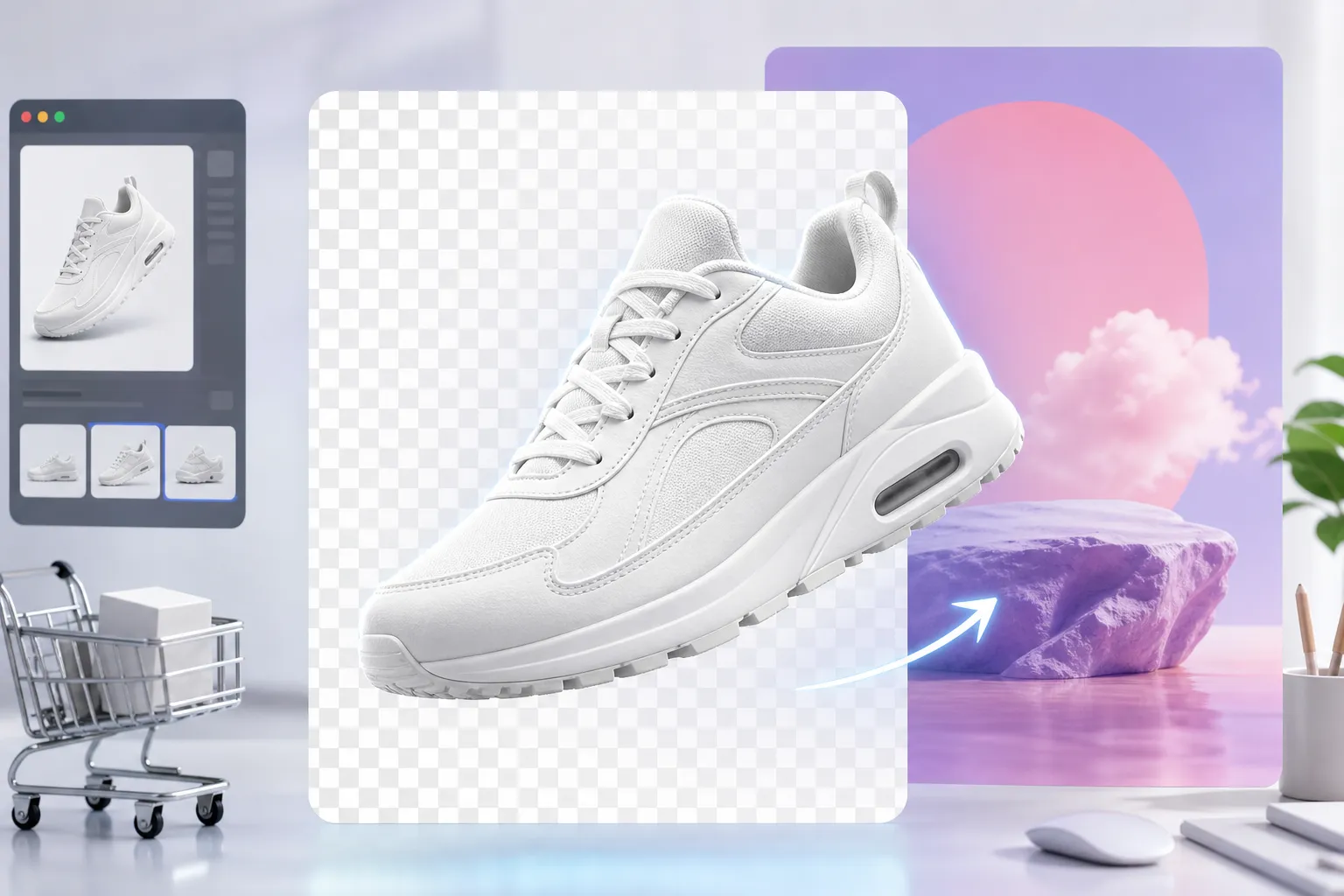
Transparent Background Output
Remove the background and keep the subject ready for overlays, product listings, or compositing in other layouts.
Initializing dashboard...
Remove image backgrounds instantly with AI. Upload a portrait, product image, or subject photo and create a clean transparent background for design, ecommerce, or social content.
An AI background remover isolates the main subject in an image and removes the surrounding background so you can create a transparent cutout or a cleaner composited asset. It is useful for product photos, portraits, profile assets, content design, and fast visual cleanup without manual masking.
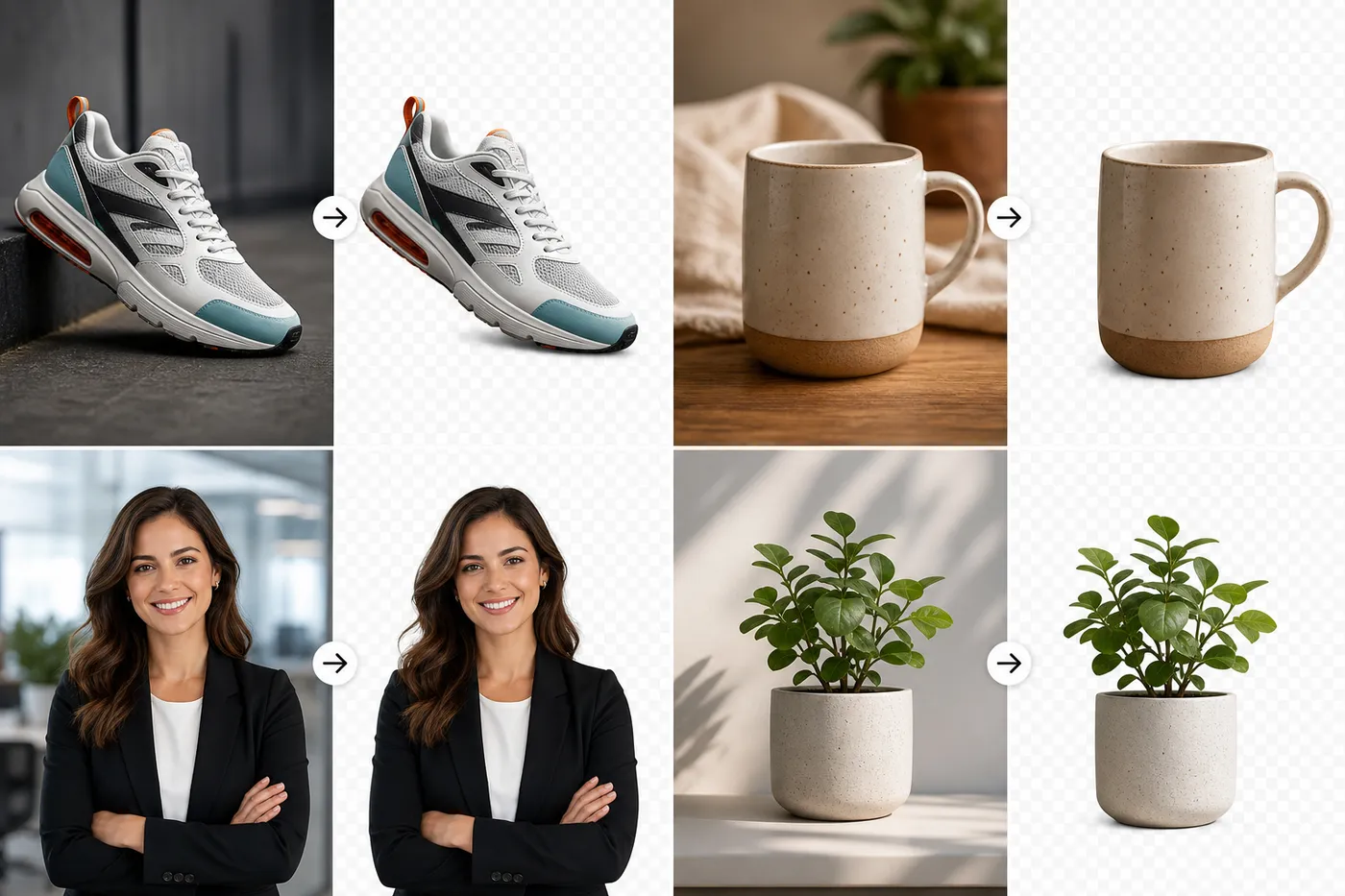
Clean up images faster and turn them into reusable assets for design and publishing.
Remove the background and keep the subject ready for overlays, product listings, or compositing in other layouts.

Upload a single image and let the model isolate the subject without manual selection tools or complicated editing steps.
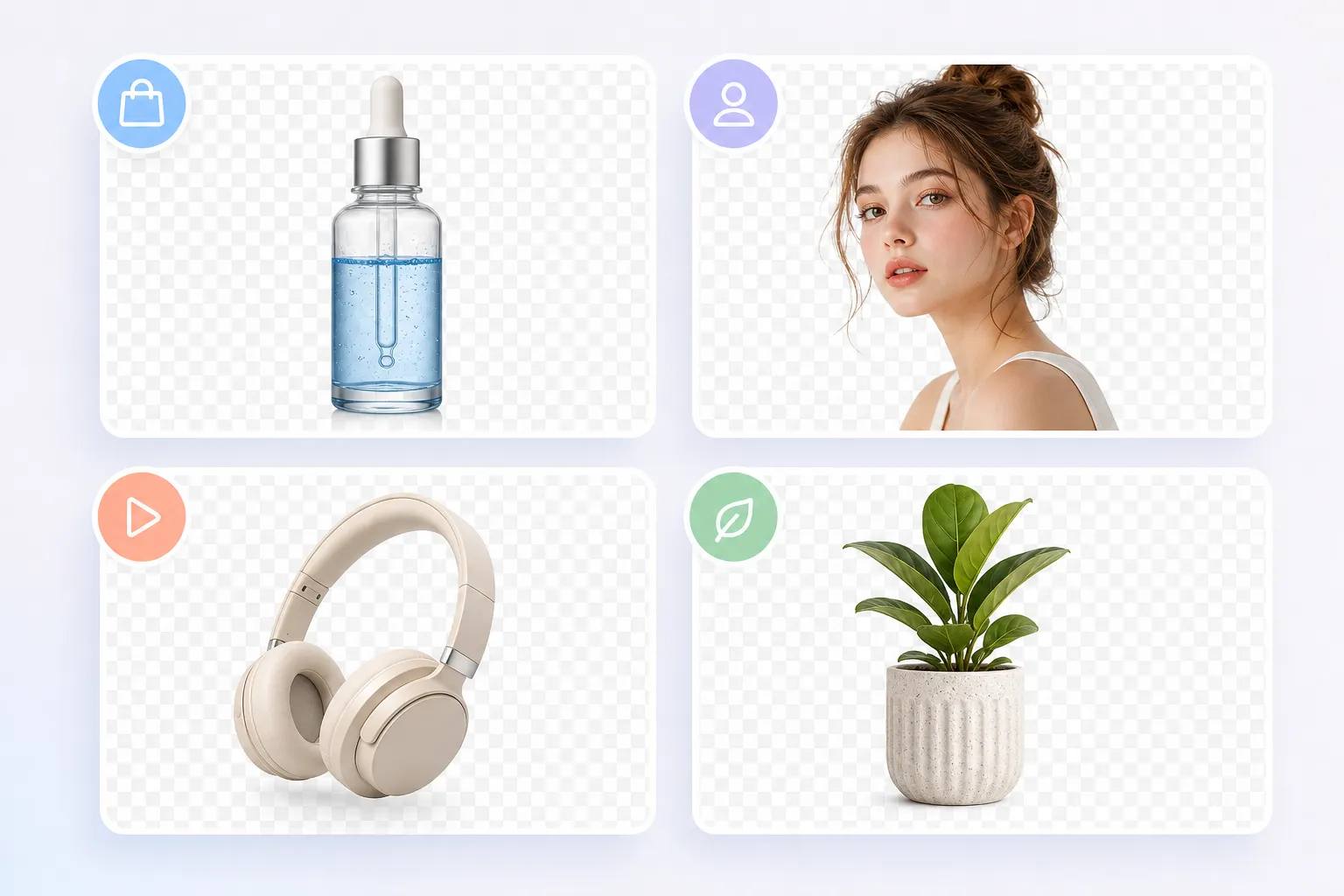
Works well for portraits, ecommerce products, social graphics, thumbnails, and reusable marketing assets.
Use background removal for product work, portraits, and clean design assets.

Turn product photos into clean cutouts for ecommerce listings, marketplace pages, and promotional layouts.
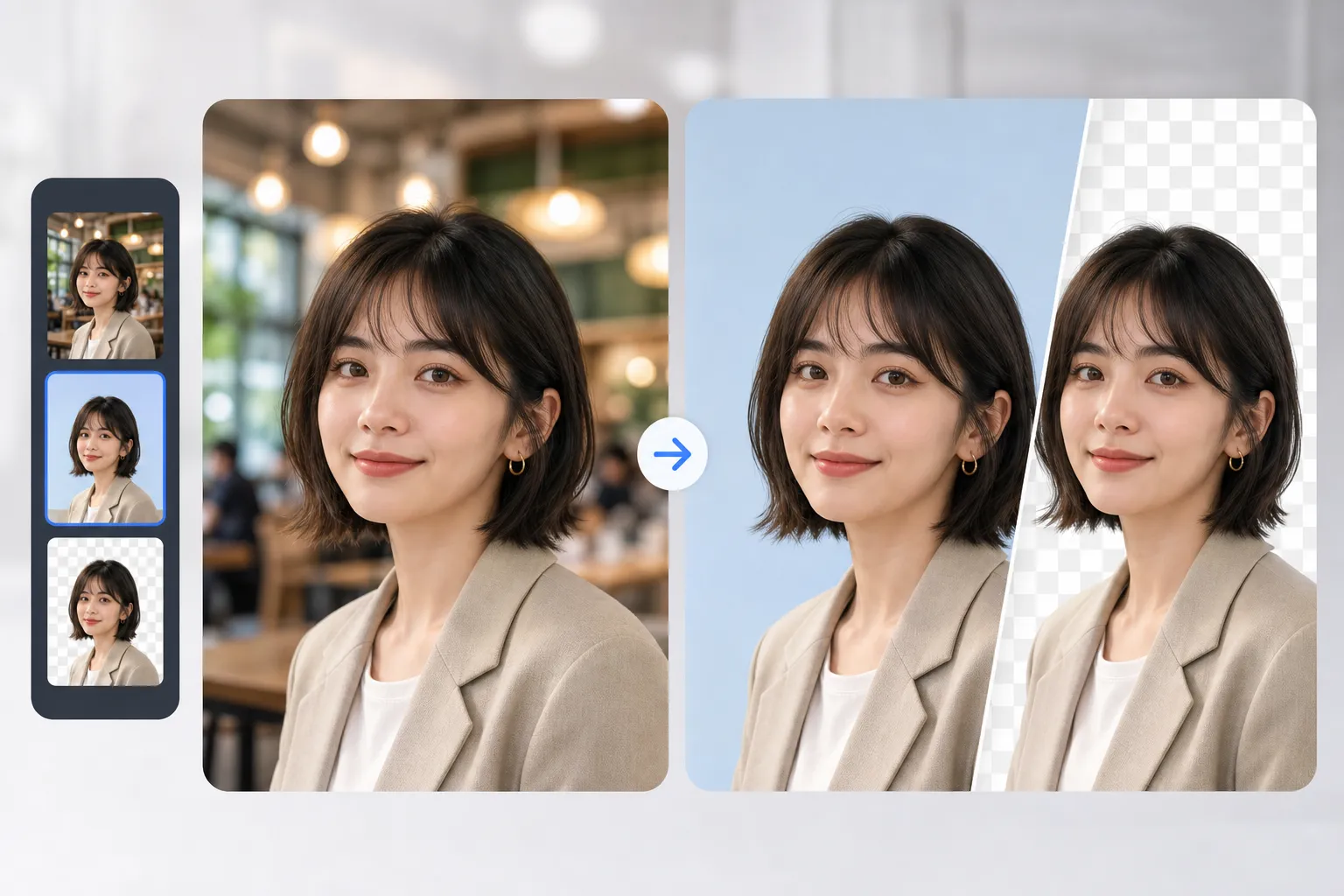
Remove messy backgrounds from portraits and create cleaner profile images or avatar assets.
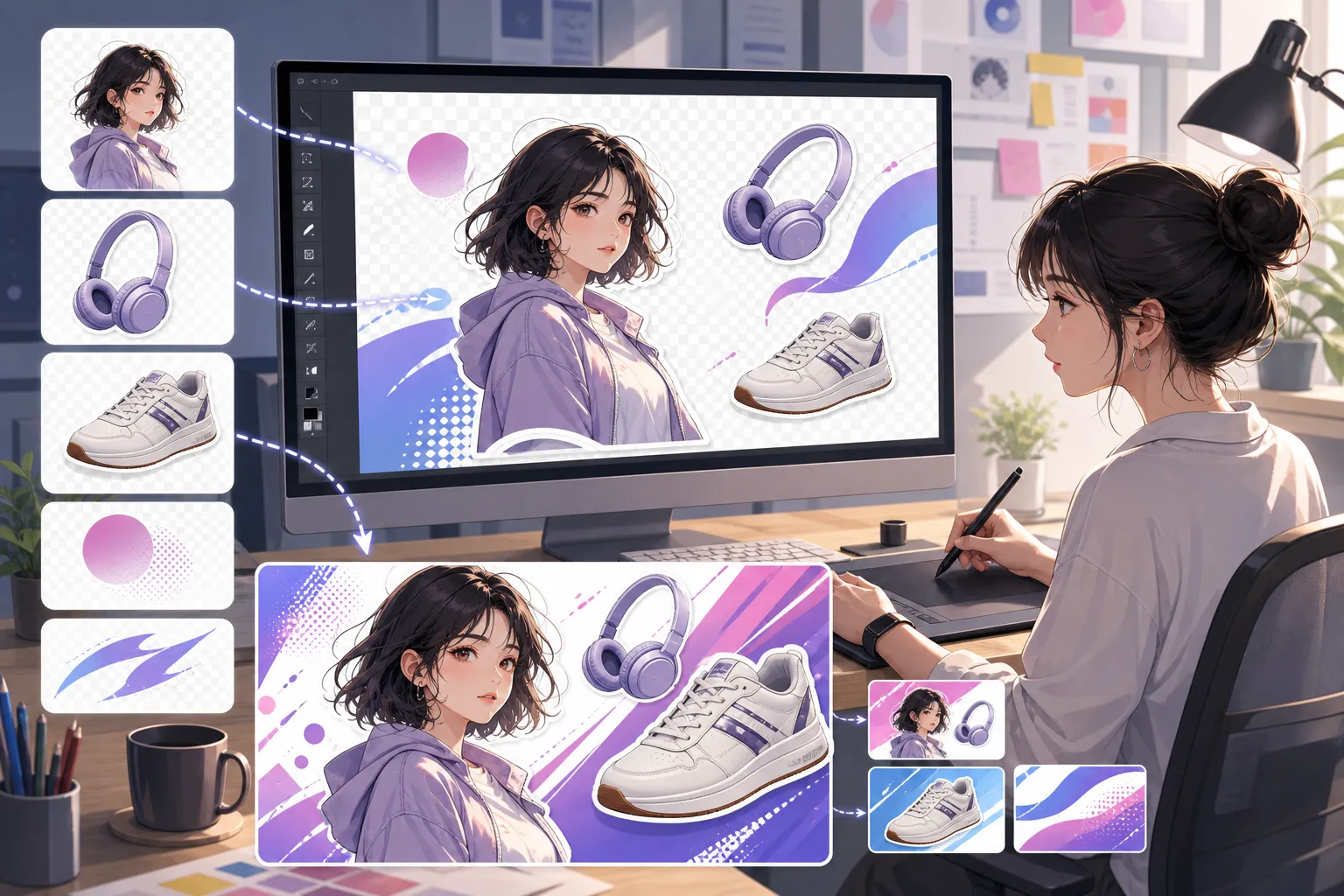
Prepare transparent subject cutouts for banners, presentations, thumbnails, posters, and ad creatives.
Upload the image, run background removal, and download a clean cutout.
Choose the photo or product image you want to clean up.
Let the AI isolate the subject and remove the background automatically.
Export the cleaned image and reuse it in your design, product listing, or social post.
"It is a quick way to clean product photos before publishing them to a store or marketplace."

Product Listings
"I use it to pull subjects out of the background so I can build cleaner layouts and composites."

Brand Assets
"It saves a lot of time when I need a transparent cutout for a thumbnail or post layout."

Social Content
Upload an image and create a clean transparent result in seconds.
Remove Background NowCommon questions about removing image backgrounds with AI.
The model detects the main subject in the image and removes the background so you can download a cleaner cutout.
Yes. It is especially useful for ecommerce images, catalog assets, marketplace listings, and promotional mockups.
Yes. Portraits, profile photos, and character images are common use cases for background removal.
Resulsts depend on image quality, subject contrast, and how clearly the subject stands out from the background.
Paid-plan generations are intended for commercial workflows. Review your plan and the platform terms before publishing the result.
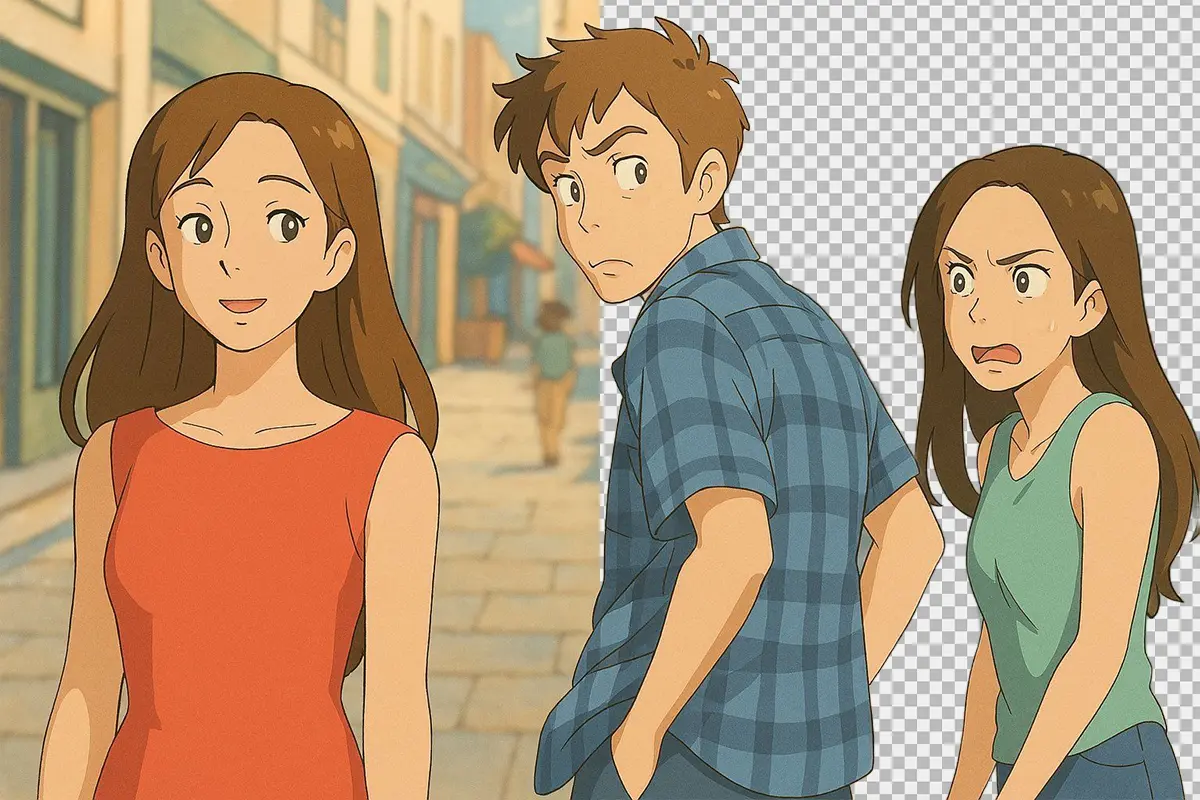
Background Removal